How to Listen to Your Favorite Music, Online or Off the Grid
Streaming services can introduce you to a wonderland of nearly unlimited audio, but downloading your digital collection has advantages.
Streaming services can introduce you to a wonderland of nearly unlimited audio, but downloading your digital collection has advantages.
Streaming services have long provided the most popular way to listen to music, but downloading things digitally has its perks. That’s why some people still prefer to buy their music instead of renting it.
Downloaded files will eat into your device’s available storage space, but you don’t have to worry about inconsistent playback from an unstable internet connection or chewing through megabytes on a metered data plan. And, with some online stores, buying music directly puts more money in the artist’s pocket.
So whether you stream, download or both, here’s a guide to storing music on your phone so you can play it wherever you are.
Offline Listening
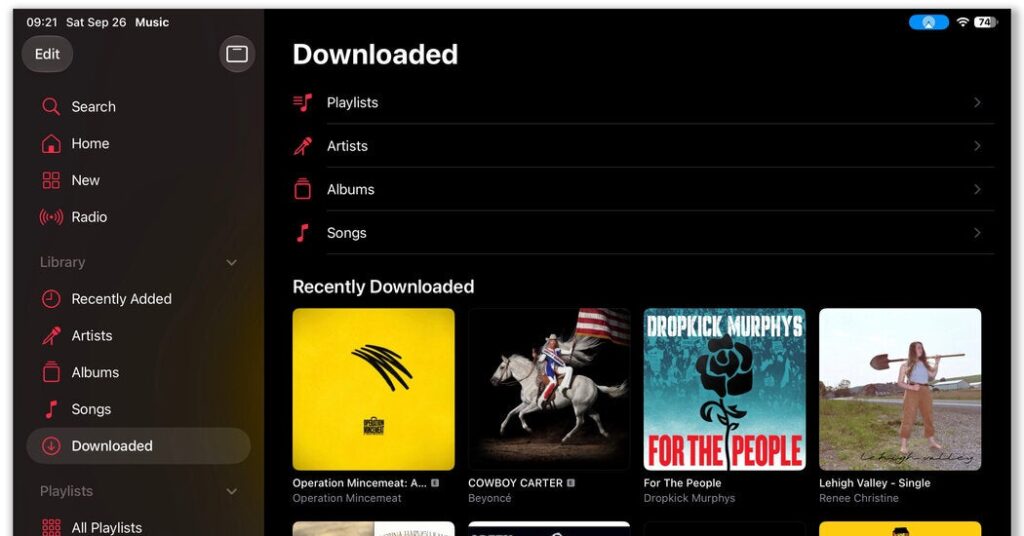
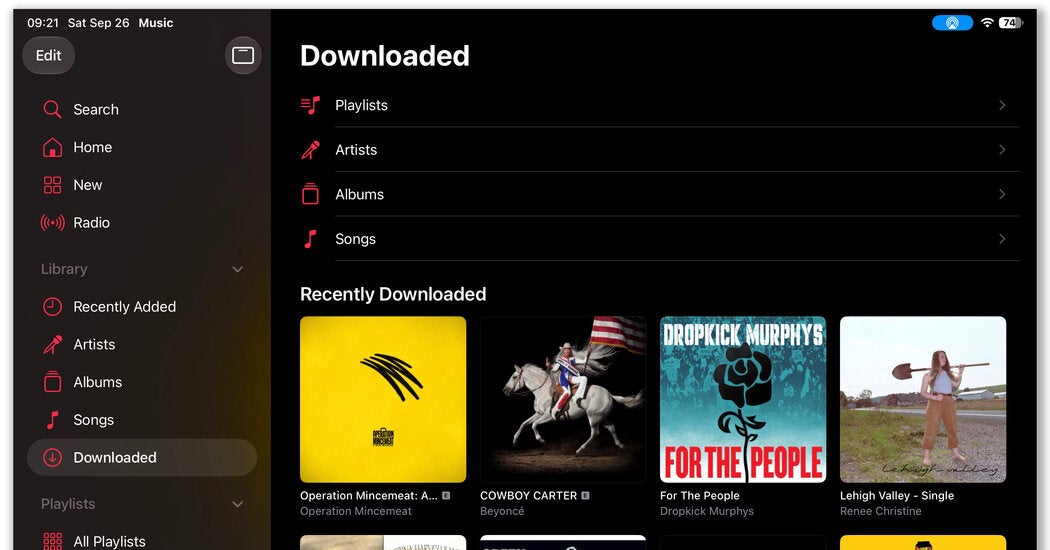
If the occasional lack of internet connectivity is your main issue with streaming, most major services allow you download songs to your phone for playback when you’re offline. However, the files are not permanent and you may need to have a paid subscription at a certain tier.
Amazon Music, Apple Music, Pandora, QoBuz, Spotify, Tidal and YouTube Music are among the subscription services with an offline-listening option. In most cases, just look for a downward-pointing arrow or menu with a download option. Then collect the tracks you want to take along before you leave on that camping trip or lengthy flight.