
How to Remove Apps You Never Use (or at Least Hide Them)
If you need space back on your phone or tablet, removing built-in and unused apps can help free up storage and reduce screen clutter.
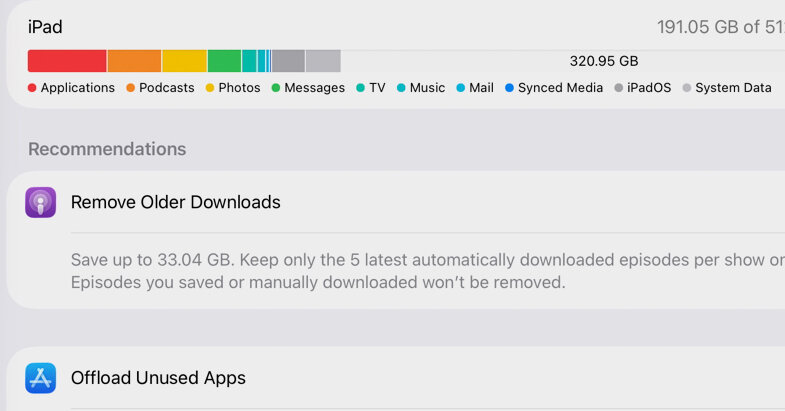
If you need space back on your phone or tablet, removing built-in and unused apps can help free up storage and reduce screen clutter.
A digital whiteboard? A carpenter’s level? An image generator? These are just some of the built-in apps you may be hauling around on your phone or tablet. Apple includes these apps as bonus features, but if you never use them, would you rather have the storage space back?
Preinstalled apps vary by the model, hardware maker, wireless carrier and the system software involved. So does your ability to remove them. But what you can’t delete, you can hide.
Here’s a quick guide to streamlining your app collection — including those you personally installed, but never use.
A good starting point (after backing up your device) is to take stock of all your installed apps. Your device includes tools for identifying space-hogging or unused apps to offload.