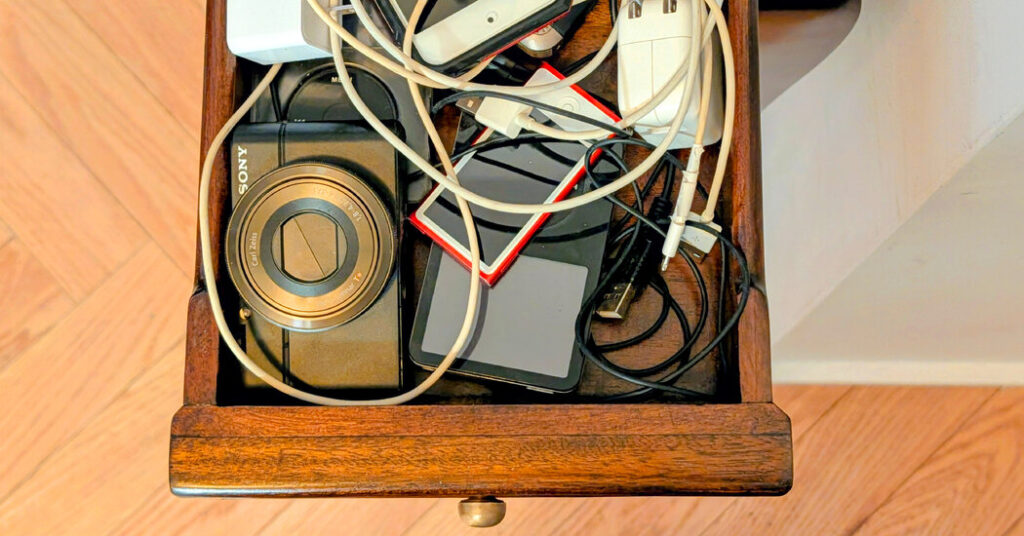
How to Deal With That Drawer Full of Old Gadgets
This month, resolve to revive or relinquish those old music players and point-and-shoot cameras — and retrieve any files trapped on the devices.
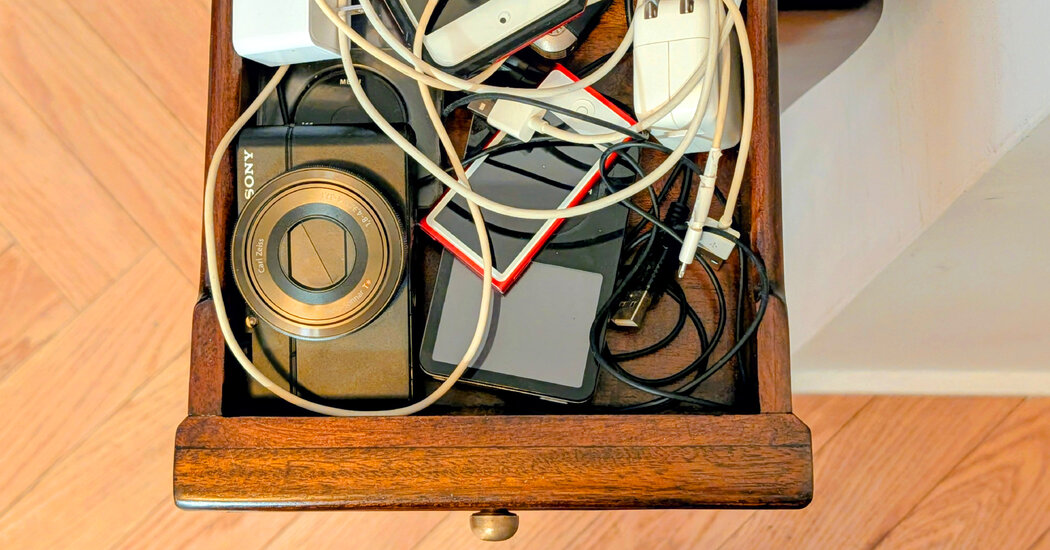
This month, resolve to revive or relinquish those old music players and point-and-shoot cameras — and retrieve any files trapped on the devices.
Digital music players and cameras have largely been kicked to the curb by smartphones, yet many people still have them tucked away somewhere.
If you’ve been keeping that ancient iPod around because your computer croaked years ago and took your personal, ripped-from-CDs music collection with it, it’s time to recover those tracks.
And what about that old pocket camera? If you’re not using it, passing it along to a budding young photographer is a win-win situation. Here’s how to get started.
Making Connections
Given the technology of the early aughts, you are likely to need some type of USB cable to connect the device to your computer, although the first iPods used FireWire connections. (Some devices may also need separate power cords for charging.)
Apple, Microsoft, Samsung, Sony and others still have user guides for older products on their sites. Ad-supported repositories like Manuals Online or ManualsLib also have thousands of digitized manuals.
If you haven’t found the original cables, look for a replacement from stores like Best Buy or Amazon. Be sure to identify which type you need, as USB cables have had several different plugs over the years, including Apple’s own dock and Lighting connectors.